How Do I Deactivate My Account
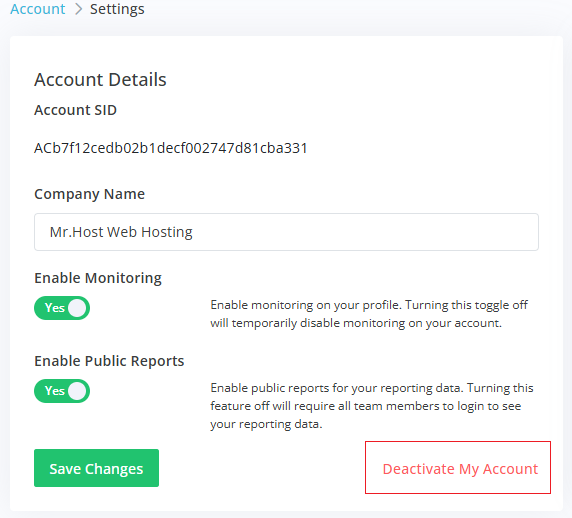
You can always deactivate your account from the Deactivate My Account link on the Account ➡️ Settings page of the Portal:
If you're leaving because we're missing a feature you'd like to see, or you think we're doing something incorrectly, we're always open to suggestions.
We're sad to see you go, but if you're sure, you can delete your account, and we'll stop checking your hosts for you. All the history and settings for your account will be permanently lost.
We delete your data within 30 days of your account closing, and backups expire within a further 30 days. Billing records are kept for six years, as tax law requires. Export anything you need before you close your account; see exporting your data and our Privacy Policy.