Adding a Webhook
To add a new Webhook, click Add Webhook from the the Development ➡️ Webhooks section of the Portal, and provide a Display Name, the publicly accessible HTTP(s) URL for your webhook endpoint, and select one or more Events to trigger your webhook.
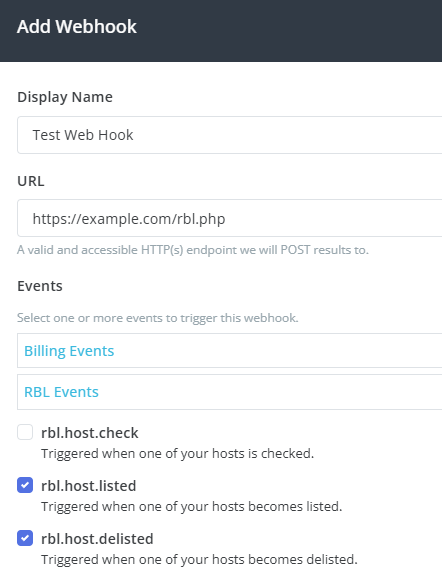
Webhooks are triggered using application/json POSTs to your endpoint.
Testing
You can test your Webhook configuration by clicking on the Send Test link on the desired Webhook, and selecting the event type from the Event drop-down.
After you click the Sent Test Request button on the testing dialog, you'll receive test results, including response code and timing, TLS information, and response headers.