Viewing Currently Listed Hosts
You can see which of your hosts are currently listed two different ways:
From the RBL Monitoring ➡️ Manage ➡️ Hosts page of the Portal, listed hosts will be easily identified from the Listed column:

For customers with large numbers of hosts on their account, it may be tedious to go through all the pages of hosts to find the ones marked as listed. In that case, the RBL Monitoring ➡️ Home ➡️ Listings page provides a view of only hosts that are listed:
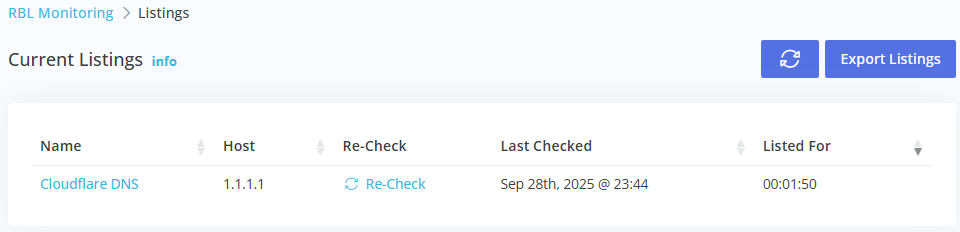
- Name: is the host description name.
- Last Checked: the date this host was last checked.
- Listed For: how long this host has been listed.
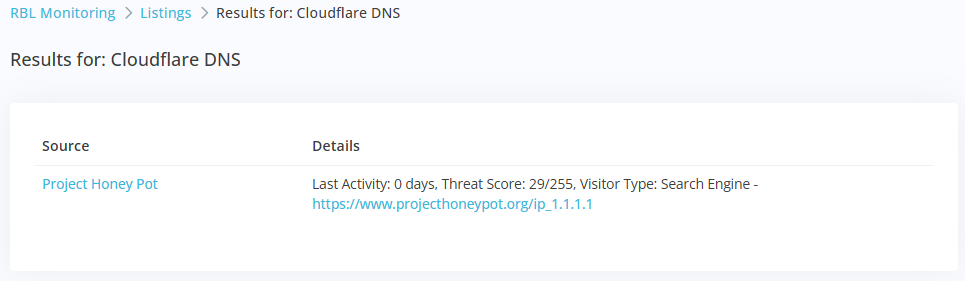
Click the Name link to drill down into host specific results, which will show the results from the most recent check for this host: