SMS
Adding a Contact
You can add a SMS contact from the Contacts ➡️ Manage ➡️ Contacts section of the Portal.
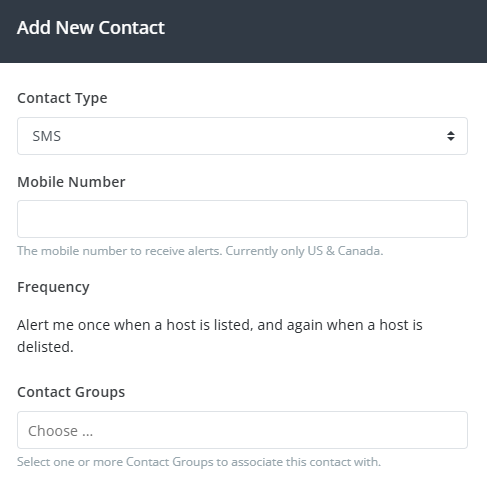
Select SMS from the Contact Type drop-down, enter your phone number in the Mobile Number field, select a Frequency, and select one or more Contact Groups to associate with this new contact.
After clicking Add Contact, you'll receive a confirmation message with a confirmation link that you'll need to click on to confirm your number.
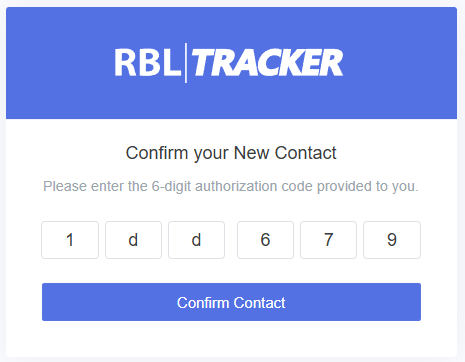
If you don't receive the confirmation message for some reason, you can also click the Resend Auth option to resend the confirmation message. Once a contact is confirmed, it will be ready to use.
The Frequency setting only applies to RBL Monitoring and will be removed in a future update. Other products such as Certificate Monitoring have their own alerting options.
We currently only support SMS to mobile numbers in the United States and Canada (+1). If you're interested in SMS alerts but are not located in one of our supported countries, please contact us for more details.